Choose the promise before the design
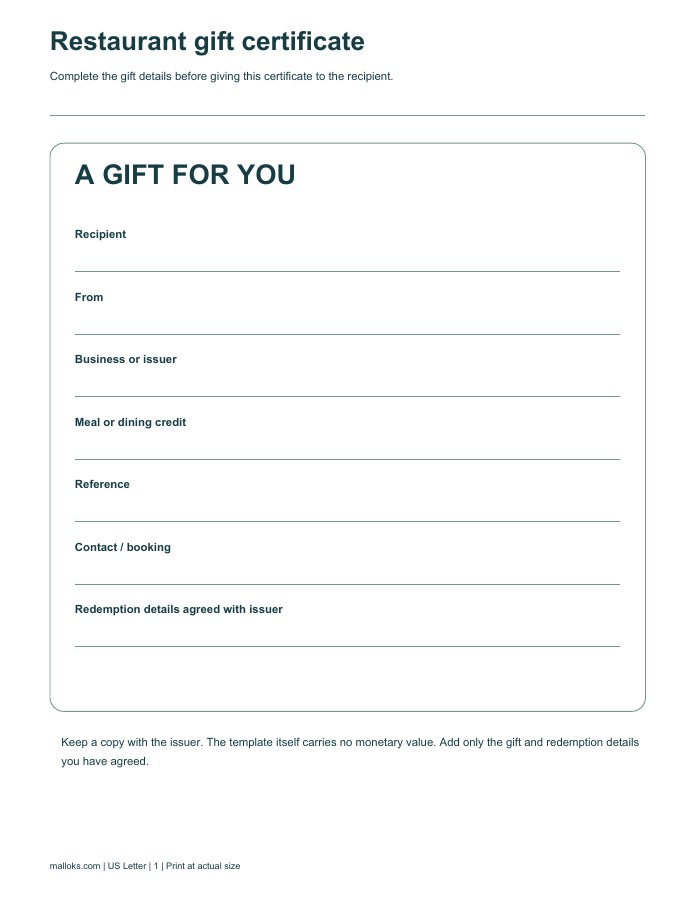
A gift certificate works best when the recipient can understand exactly what is being offered. Start with the restaurant page for a meal credit, the beauty page for an appointment or service, or the general page for another gift. Each page gives the issuer room to identify the recipient, describe the gift and add contact details without committing to a particular business policy.
Type a clean copy or write by hand
The editable download is a three-page fillable PDF, not a Word document. Open it in a PDF application that supports form fields, enter the details and save a new copy. Close and reopen that copy before printing. The separate printing version has blank writing areas and no interactive fields. Both versions use US Letter paper, with one certificate on each page.
Make the handover useful
For a restaurant, specify the credit or meal description and how the guest should arrange a visit. For a beauty appointment, name the treatment rather than relying on a vague promise of pampering. On the general certificate, describe the item or experience. Use the reference field to distinguish gifts. Confirm any redemption wording with the issuer before handing out the finished certificate.
Keep a separate record after issuing
The free pages help present a gift; they do not calculate balances or maintain a history of redemptions. Keep an issuer copy so the promise can be checked later. The related paid pack adds a gift card register, business certificate files, service vouchers and personal coupons. Choose it if you also need that record-keeping workflow, rather than simply another copy of the free certificate.